
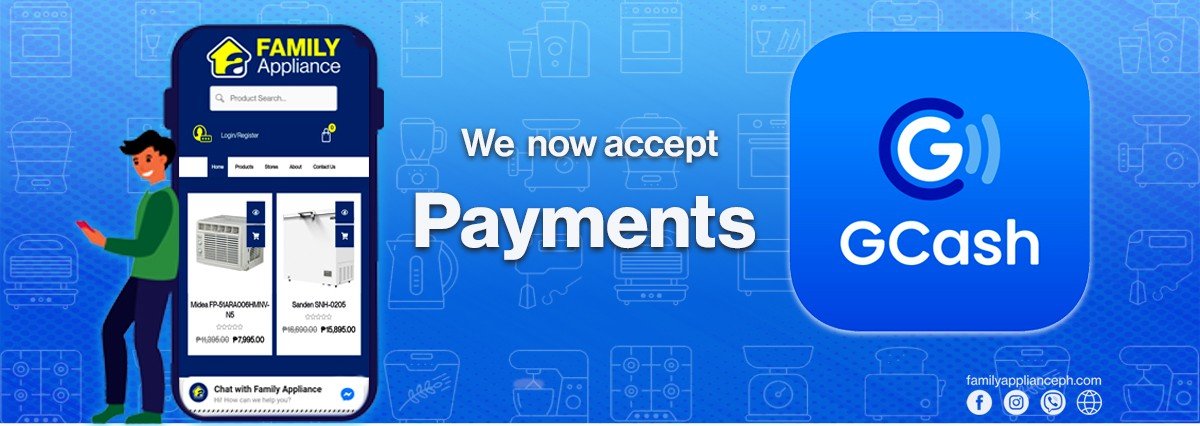
1. Click "Send" on the main page.
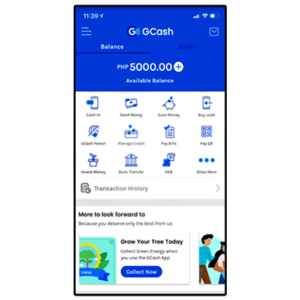
1. Click "Send" on the main page.
2. Tap on the “Send via QR” icon.

2. Tap on the “Send via QR” icon.
3. Scan the QR code.

3. Scan the QR code.
4. Once the app detects and identifies the merchant, enter the total amount of your purchase (amount to pay).

4. Once the app detects and identifies the merchant, enter the total amount of your purchase (amount to pay).
5. Confirm transaction details. An SMS will be sent to you, which will serve as your receipt.
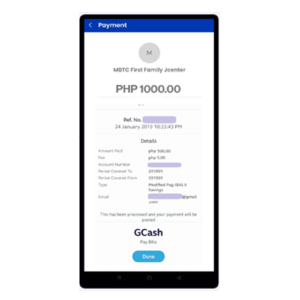
5. Confirm transaction details. An SMS will be sent to you, which will serve as your receipt.
6. Once confirmed, screenshot the transaction details for proof of payment.
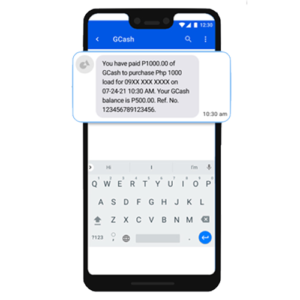
6. Once confirmed, screenshot the transaction details for proof of payment.
7. Send it to our sales representative for confirmation.

7. Send it to our sales representative for confirmation.
